
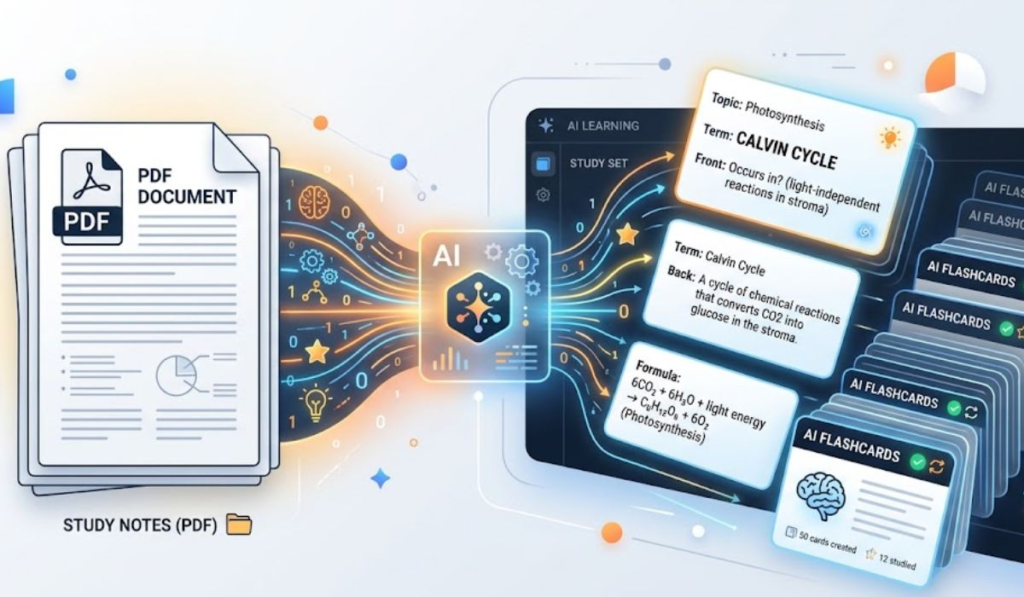

Turning a PDF into a study set follows the same three steps in most tools: upload the file, tell the tool what to focus on and review the cards it drafts. Adobe Acrobat’s flashcard maker is one example of that flow. At the time of writing, its page describes limits of 100MB and 600 pages per file and says cards pull out key terms, definitions and formulas.
Students who want study materials built from lecture slides, readings and notes can now draft them with AI rather than typing every card by hand. The result depends on three things: the quality of the source file, the instructions you give and how carefully you check the output. This guide compares what several tools accept, what they produce and where each has limits. It doesn’t rank or recommend any of them. Where possible, the details come from each tool’s own pages. Prices, caps and features change often, so confirm them on the current page before relying on any tool for a course.
Features of AI Study Tools: Do They Handle PDF and Audio?
Most tools handle PDFs. Fewer handle audio. Some tools list PDFs, lecture slides, reading assignments and notes as inputs, and some let you point the AI at specific pages, chapters or topics. Others describe wider input types. Knowt’s help centre says you can start from a PDF, PPT, video or audio file, or from a live recording. Gemini’s notebook tool, which has been reported under its earlier name NotebookLM, accepts PDFs and other document sources, and its mobile app lists audio as a source type. RemNote offers lecture recording with automatic transcripts. These descriptions come from the vendors’ own materials and can change.
Two practical limits apply to any tool. First, a scanned PDF may contain only images of text, and AI tools can only work with words they can read, so test a sample page first. Second, if you’re using recordings, ask your instructor whether recording is allowed. Audio quality matters as well. Record close to the speaker, keep clips short and read the transcript for errors before turning it into cards. Keep the original file so you can check any figure later.
| Tool | Upload types | Outputs | Notes |
|---|---|---|---|
| Adobe Acrobat flashcard maker | PDFs, slides, readings, notes, or a prompt | Flashcards, with links to related tools | Files up to 100MB and 600 pages per its page |
| Knowt | PDF, PPT, video, audio, live recording | Flashcards, notes, practice tests | Imports Quizlet sets |
| Gemini notebook tool | PDF, DOCX, PPTX, CSV and more; audio on mobile | Flashcards, quizzes, study guides | Flashcards can be downloaded as CSV |
| RemNote | PDFs, documents, presentations, lecture recordings | Flashcards and notes | Free and paid plans; check current pricing |
Only the Adobe row was checked against the vendor’s page for this article. The other rows reflect each vendor’s published descriptions and may be out of date. The table is for comparison only and isn’t an endorsement of any product.
Features to Compare: Which Tools Make Study Guides, Flashcards and Quizzes?
Start with control over difficulty, editing and output type. Look for the ability to add your own questions, generate new cards, create multiple decks and make them harder or easier. One tool’s page describes all of those and links to related quiz, study guide and mind map tools. Gemini’s notebook tool generates flashcards and quizzes in its Studio panel, offers easy, medium and hard settings, and runs quizzes in the browser with hints. Its help page lists a CSV download for flashcards but not for quizzes. Knowt turns uploads into flashcards, notes and practice tests.
The best tool is the one that produces the output you’ll actually use, and the only way to find out is to test it. Generate ten cards from a single page and count how many you’d keep. That gives a rough measure of quality before you commit a whole course to any tool. From there, adjust the set by asking for fewer definitions and more worked examples, and turn the hardest cards into a short quiz. Using the same upload for flashcards, study guides and quizzes helps keep the three consistent. Share finished decks with classmates only after you’ve corrected them.
Frequently Asked Questions
Why did my flashcards miss key terms? Long files give the AI more material than it can cover in a single set. Split a large PDF by chapter, upload one chapter at a time and name the pages or topics you want. If a section is skipped, run a second set from just those pages and combine the two afterwards. Add any missing terms by hand.
How accurate are AI-generated flashcards? Treat them as a first draft. Adobe’s page, for example, says its flashcards are based directly on your material so you can track citations, and it also tells users to double check responses because they may be inaccurate. That caution applies to every tool in this category. Compare each card with the page it came from, delete errors and rewrite vague questions in your own words before studying from them. Formulas and dates deserve extra attention, since they’re easy to get wrong.
What happens to my uploaded PDF? It depends on the tool, so read the privacy terms before you upload. Adobe’s page states that files are secured using HTTPS with TLS 1.2, stored with AES-256 encryption and deleted unless you sign in to save them, but other tools handle files differently. Check your school’s policy before uploading course materials, especially anything your instructor or publisher restricts. Avoid uploading files that include other students’ names or grades, use a personal account for saving decks and keep a copy of the original PDF. Privacy statements can change, so confirm the current wording first.
