
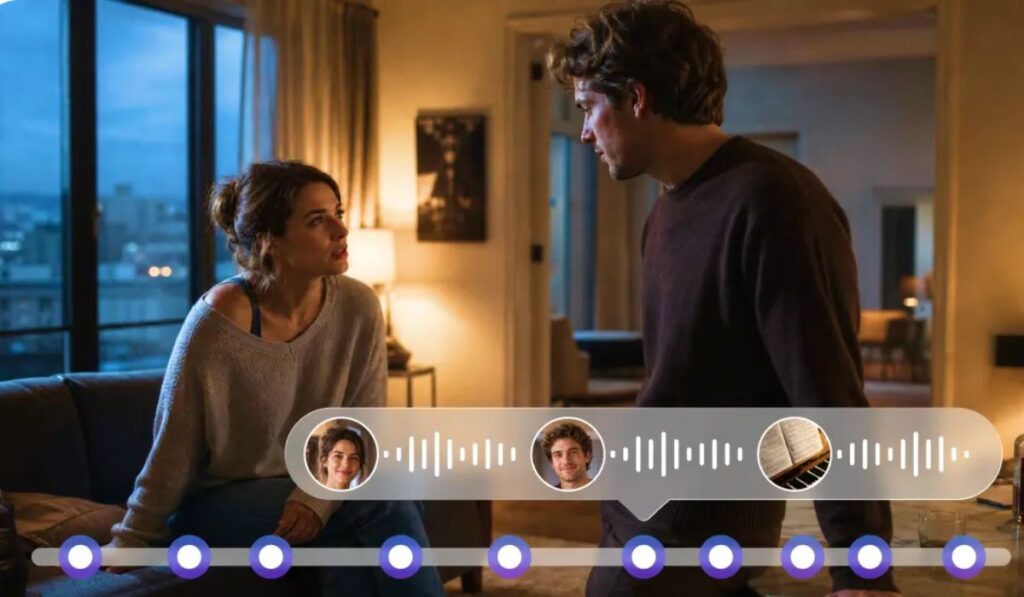

A video can look finished and still feel empty. Turn the sound off on almost any film scene and you’ll notice it immediately, the footsteps disappear, the room goes flat, the tension drains out of a moment that felt gripping seconds ago. Audio does a lot of quiet work that images alone can’t. Seedaudio 2.0 by Dreamina uses artificial intelligence to take on that work, helping people build voices, music, sound effects, and full scenes from a written description rather than a studio setup.
The Idea Behind It
Sound design has traditionally meant recording gear, voice actors, music libraries, and someone skilled enough to stitch it all together. That process takes time and money, and not every creator has access to either. Seedaudio 2.0 shortens the distance between an idea and a finished sound by letting AI handle the technical assembly once a person describes what they want to hear.
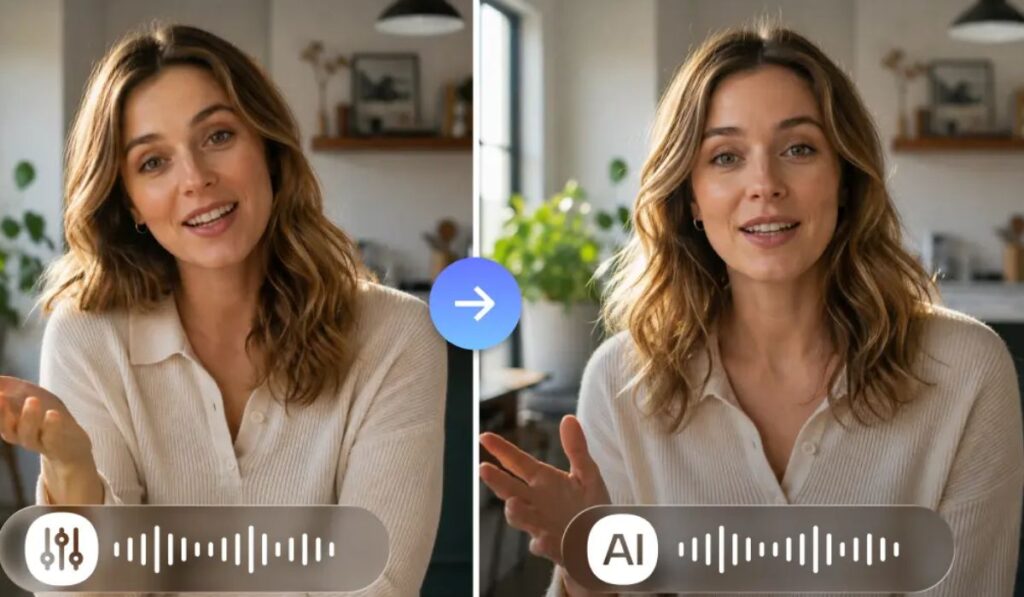
More Than a Voice Generator
Most people think of AI audio as text-to-speech, a flat voice reading out a script. This tool is aiming at something broader than that. It treats a scene as a full environment, speech, music, ambience, and effects working together, rather than a single voice sitting alone. That matters for storytelling, where the space around a character often says as much as the character does.
Starting From a Simple Description
The process begins with a plain description of what’s happening. A crowded market, a quiet room during a storm, two people talking, a chase scene, the tool works from whatever picture a creator paints in words. The more specific that description gets, the closer the result lands to what was actually imagined. There’s no need to think in technical audio terms first. The creative direction comes from the description itself.
Building a Scene in Layers
Cinematic sound rarely comes from one source. Dialogue sits under music, which sits under ambience, which sits under small effects most people never consciously notice. Seedaudio 2.0 is built around that layering, treating each element as part of a bigger picture rather than something to generate in isolation. Depth comes from how those layers interact, not from any one of them alone.
Matching Sound to Action
Every visual action carries an expected sound with it. A window opening, footsteps on a hard floor, an engine turning over, a body hitting the ground, a door letting someone into a room full of other voices. When the sound lines up with the action, viewers don’t think about it. When it’s missing or slightly off, they notice right away, even if they can’t say why. Getting this right during production, rather than patching it in later, tends to lift the whole piece.
A Fit for Animation
Animators start from nothing in a very literal sense. There’s no set to record on, no floor for footsteps, no engine to mic up. Every sound has to be built or found from scratch. AI-generated audio gives animators a starting point for voices and effects that would otherwise mean either recording sessions or digging through stock libraries for something close enough.
Working With YouTube Content
Not all YouTube videos need the same kind of audio. A gaming video might lean on sound effects, narration, and character voices all at once, while a documentary might need little more than steady narration and background tone. Having a tool flexible enough to handle both ends of that range, without switching software or workflows, saves a creator real time.
Sound Effects in Games
Games have grown more immersive largely because of how much sound now sits underneath the visuals, footsteps that change with terrain, ambient noise that shifts with location, effects so subtle most players never notice them directly. AI tools can offer a starting point for building out that kind of environment, giving designers something to react to and refine rather than building every layer from a blank page.
AI as a Collaborator, Not a Replacement
The creative decisions still belong to the person making the work. What a scene is meant to feel like, what story it’s telling, what it’s trying to say, none of that comes from the tool. Where AI helps is in the in-between work, filling gaps during editing, testing a version of a sound quickly, giving a creator something to react to instead of starting from silence.
Where This Fits Into Digital Creativity
Tools like this are changing how people approach audio the same way accessible editing software changed how people approach video. Creating a voice, a piece of music, or a sound effect no longer requires the full technical setup that used to come with it. What starts the process now is the idea itself, not the equipment needed to realize it.
Sound rarely gets the credit it deserves in a finished piece, mostly because when it’s done well, nobody stops to think about it. A tool like this doesn’t replace the ear of a skilled editor, but it gives more creators a way to reach for that quality without needing a studio behind them.
Frequently Asked Questions
What is Seedaudio 2.0?
It’s an AI-based audio program that generates dialogue, music, sound effects, and ambient audio from written descriptions.
Can it generate character voices?
Yes. It can produce dialogue and expressive voices, with results shaped by how detailed the instructions are.
Is it useful for video creation?
It covers voiceovers, background sound, music, and effects, which makes it a fairly complete tool for video work.
Can a beginner use it?
Yes. Simple descriptions produce simpler results to start, and instructions can get more detailed as a creator gets comfortable with the tool.
Can it be used for animation?
Yes. Generated dialogue and sound effects can be matched to animated action, filling in what a recording session normally would.
Can AI-generated audio replace professional sound designers?
No. It can speed up early production, but the artistic judgment behind editing and mixing still comes from experienced sound designers.
